Guide for photographers and retouchers
OIS.GOLD works wonders, but to make the result as perfect as possible we recommend following these rules. The quality of the original photograph directly affects processing speed and quality.

When the jewellery fills most of the frame, all the details are visible: the cut of the stones, the metal texture, small features. The system analyses the piece better and processes it more accurately.


Correct

The jewellery occupies 80–90% of the frame
All details are clearly visible
The background takes up minimal space
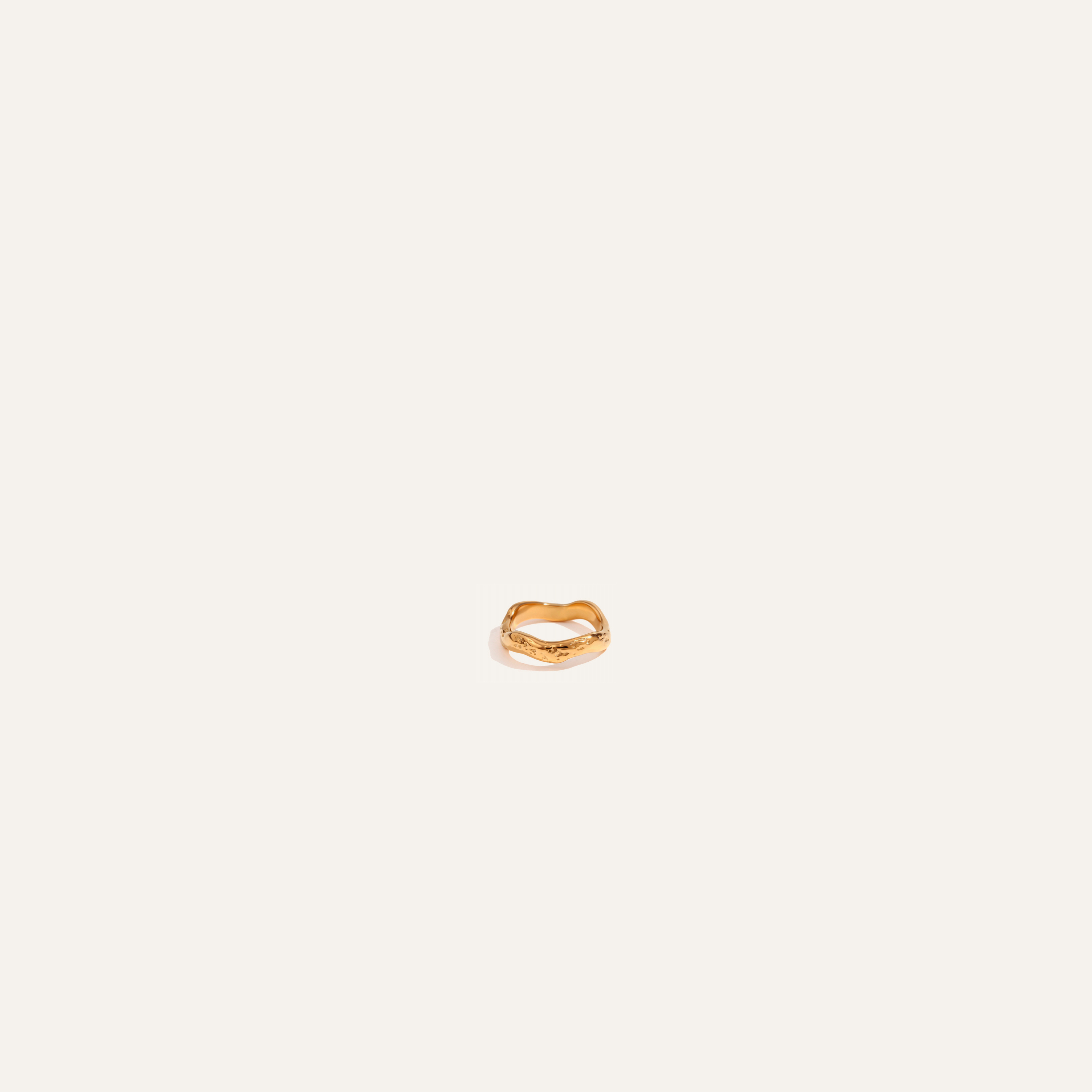

Incorrect
The piece is small in the frame
Small details are lost
The background occupies 70% of the frame
Tip: If your photo has too much empty background, crop it beforehand so the object almost fills the frame. You’ll save money because the image size after cropping will be smaller and therefore cheaper.

If the lighting is set correctly, you’ll get a ready‑to‑use result without the need for technical post‑processing.
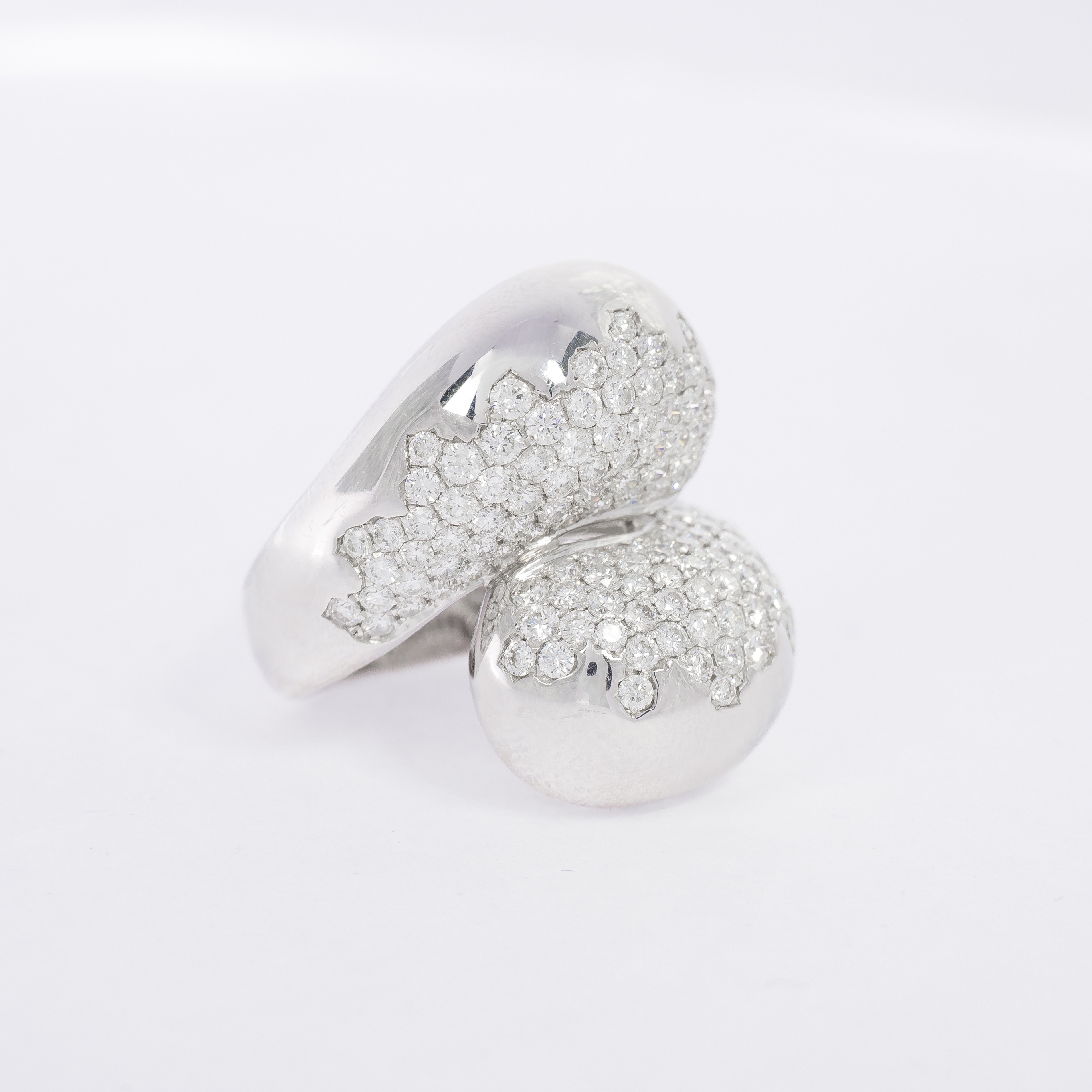
Correct
Smooth, beautiful gradient on the metal
Soft shadows that emphasise the shape
Beautiful, moderate highlights on the stones
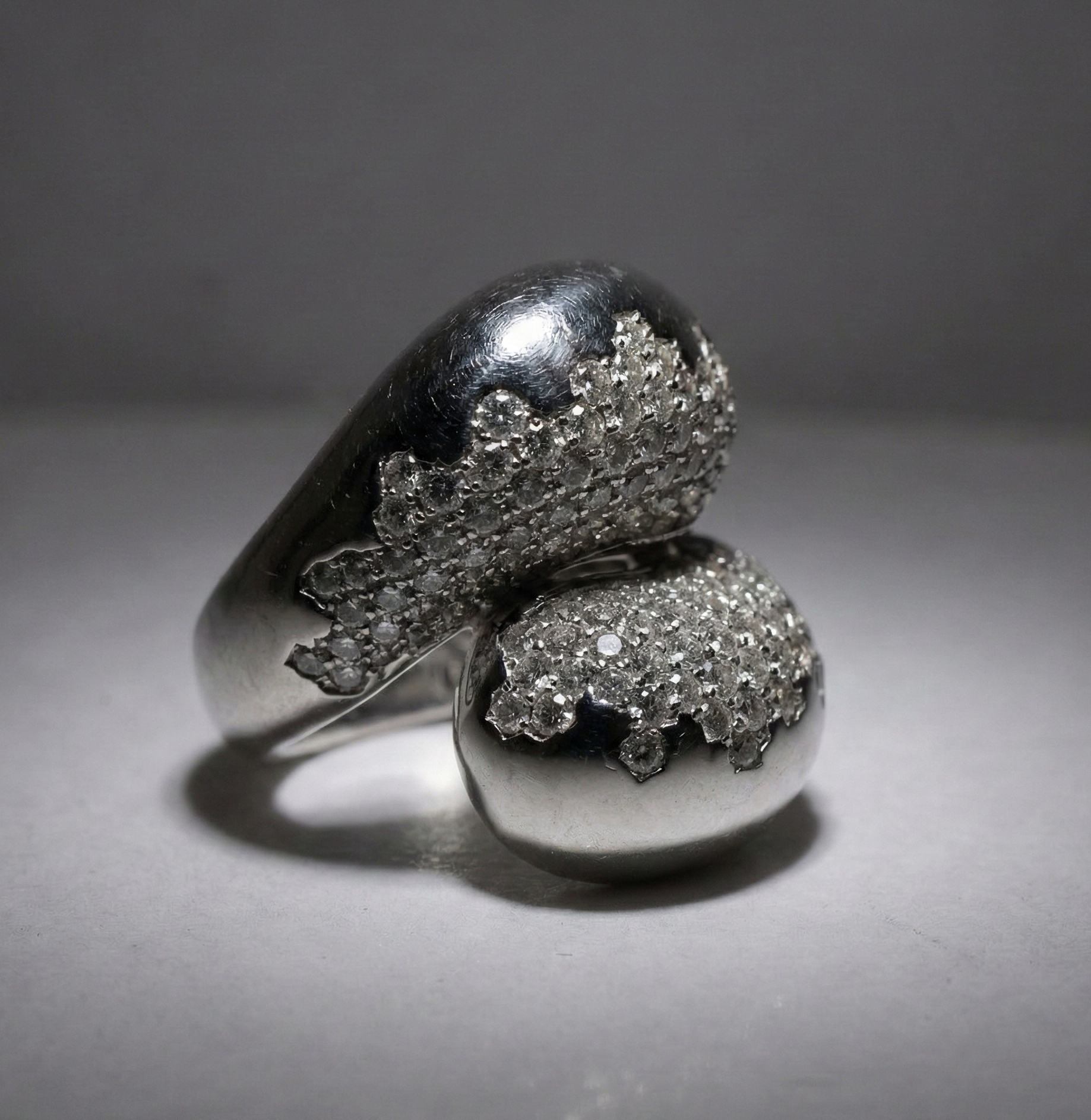

Incorrect
Flat metal; light without shadows or gradients
Harsh, contrasty black shadows
Overexposed highlights or complete blackness

AI can’t “invent” details that aren’t in the original. If the shot is blurred or smeared, no processing will save it.
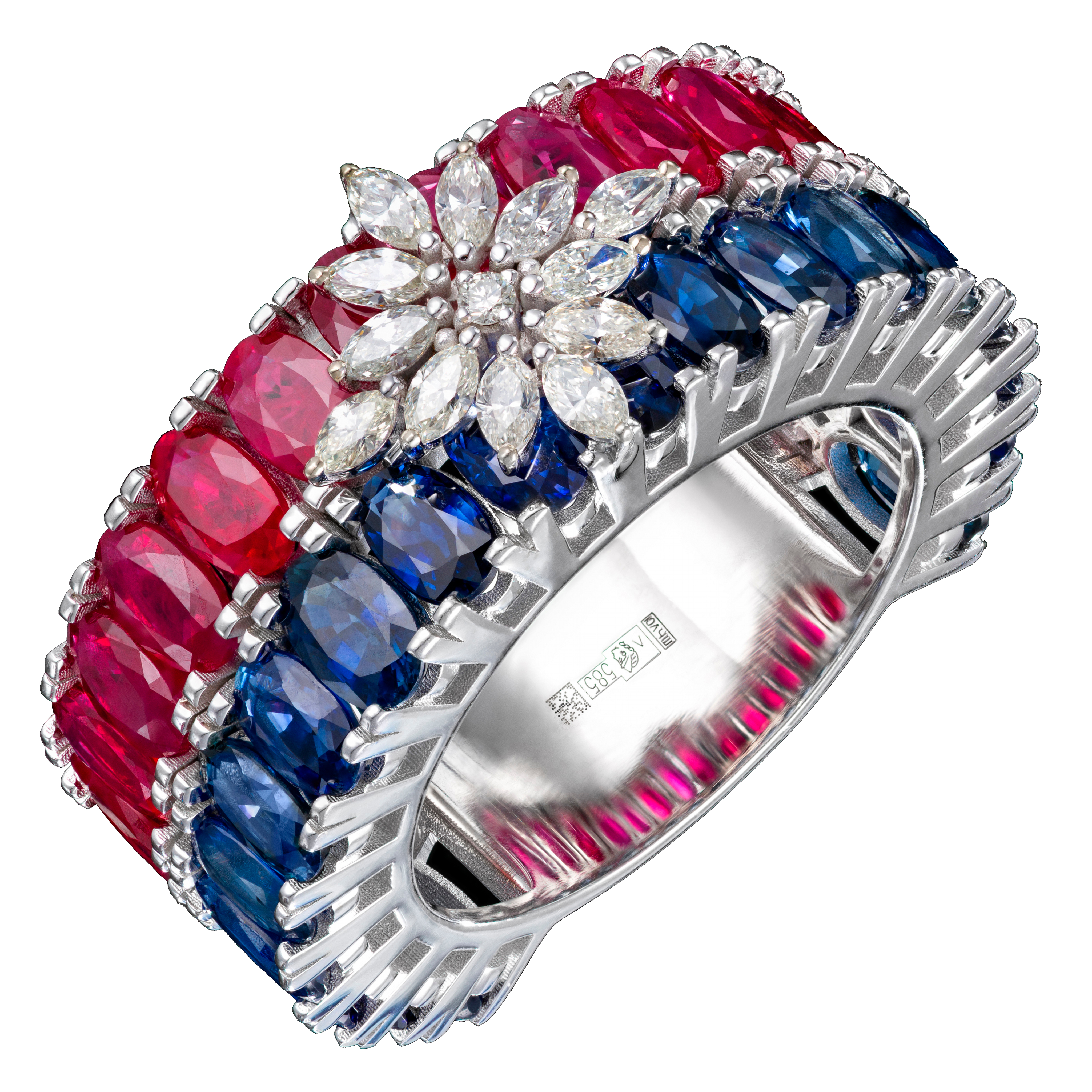

Correct
Sharp, detailed image
The whole object is in focus
High sharpness along the edges of the jewellery
All the small elements are visible
Minimal digital noise
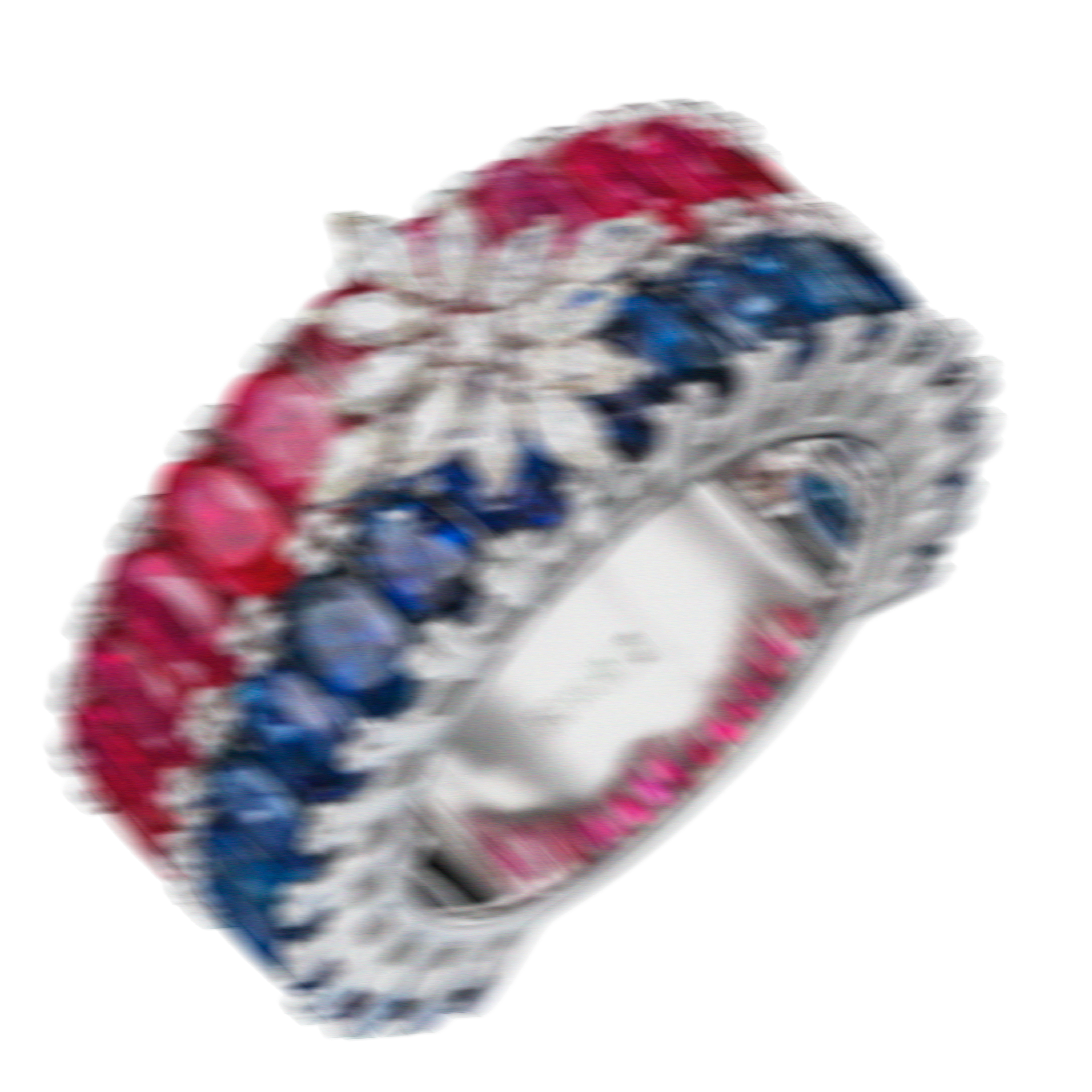

Incorrect
Blurred image (camera movement)
Part of the jewellery is out of focus (unless that’s specifically required)
Noisy, grainy image
Lots of artefacts

Large defects require additional manual work even during automatic processing.
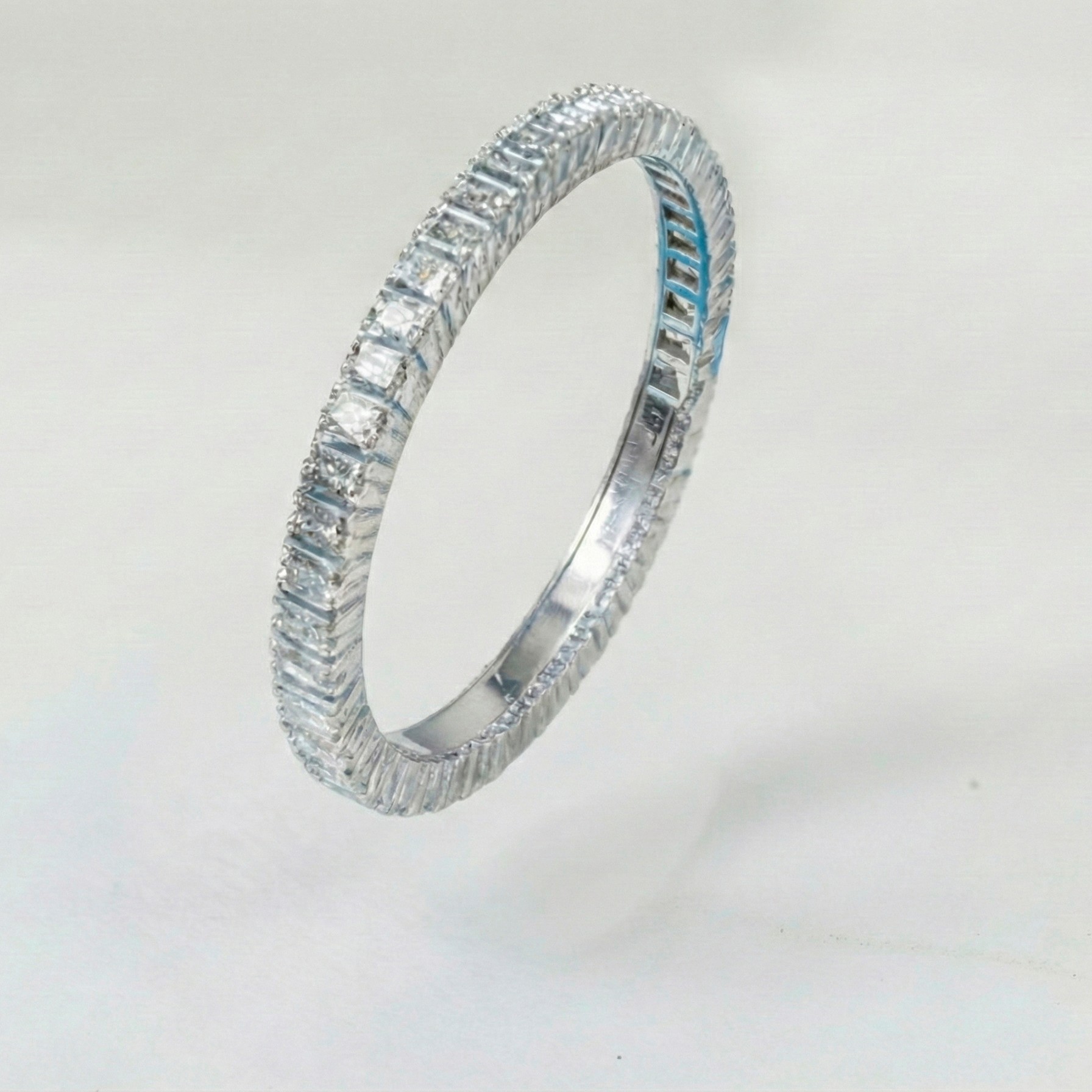
Correct
The putty and supports have been removed from the frame
Check that there are no major scratches, cracks or dirt
We’re actively working to automate the removal of small defects and surface cleaning. In the future this preparation will become unnecessary!
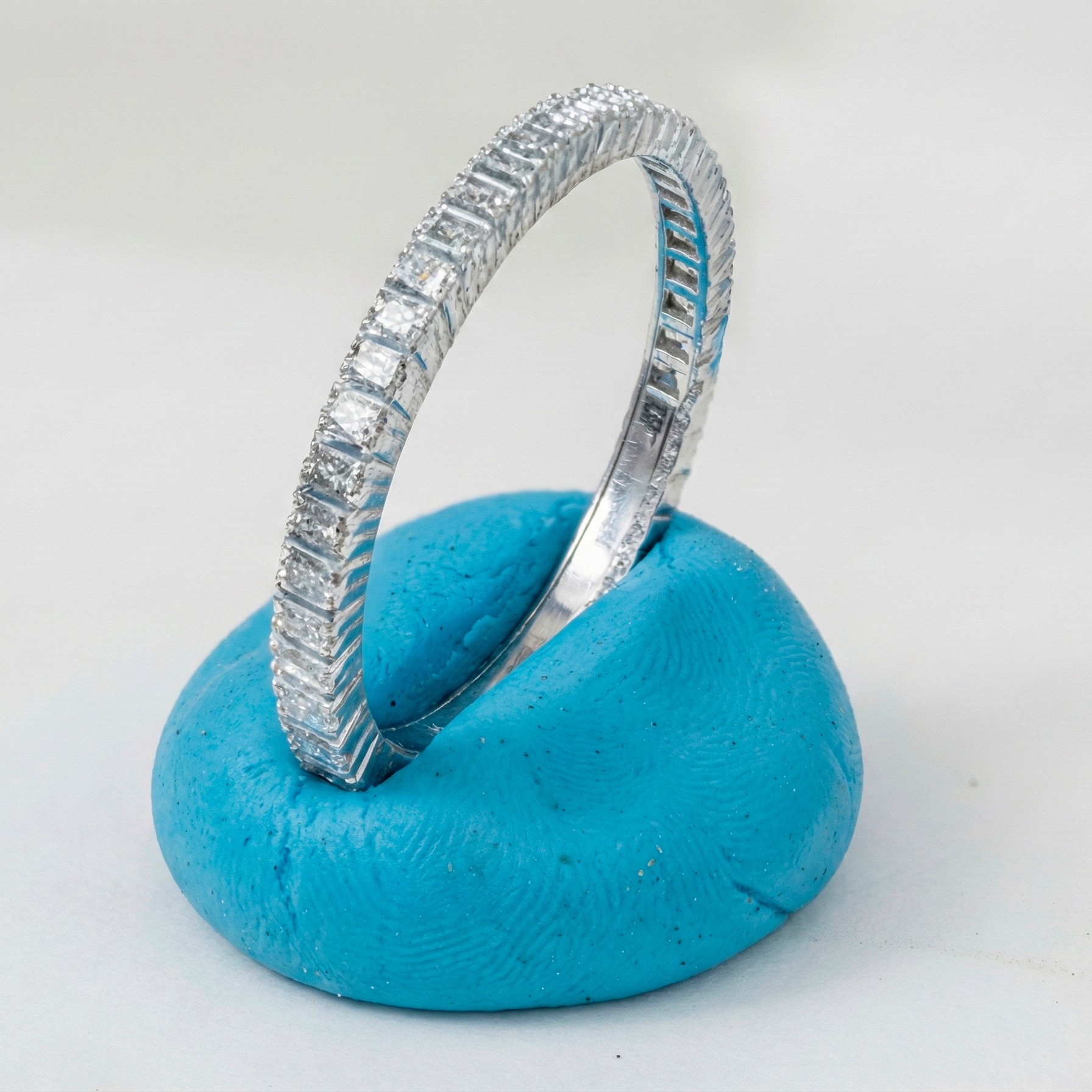

Incorrect
Supports and putty are visible
There are major defects
What’s Next?
Make sure you’ve covered the following before you upload

The jewellery is cropped and the background occupies no more than 20%.

Focus and sharpness have been checked.
The lighting is correct.
Major defects and supports have been removed.
All details of the jewellery are fully visible.
Ready? Upload your jewels to OIS GOLD! Now you can relax: drink coffee, watch a movie or photograph more pieces — OIS will take care of all the routine work for you.